
DESIGN.md for Codex
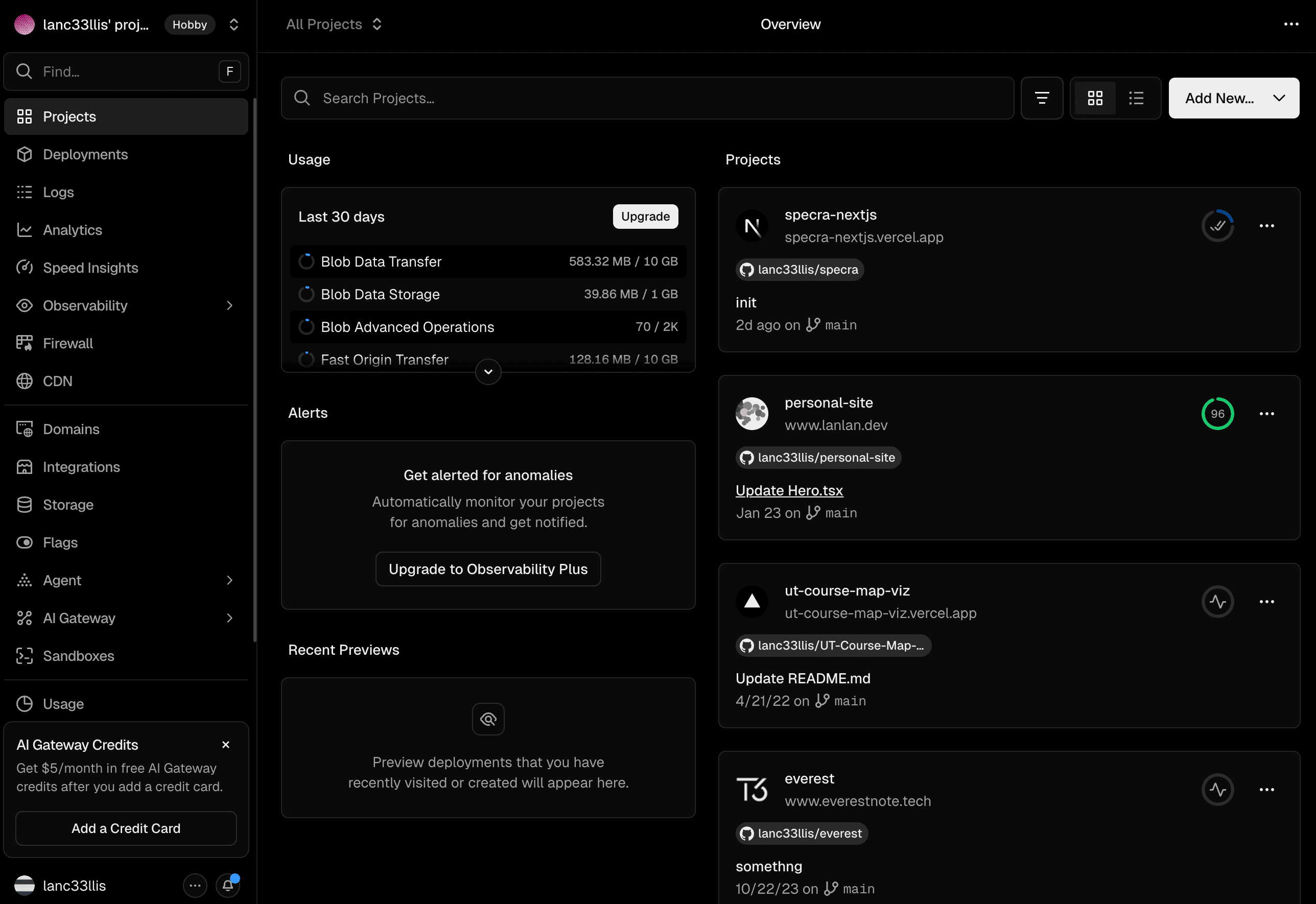
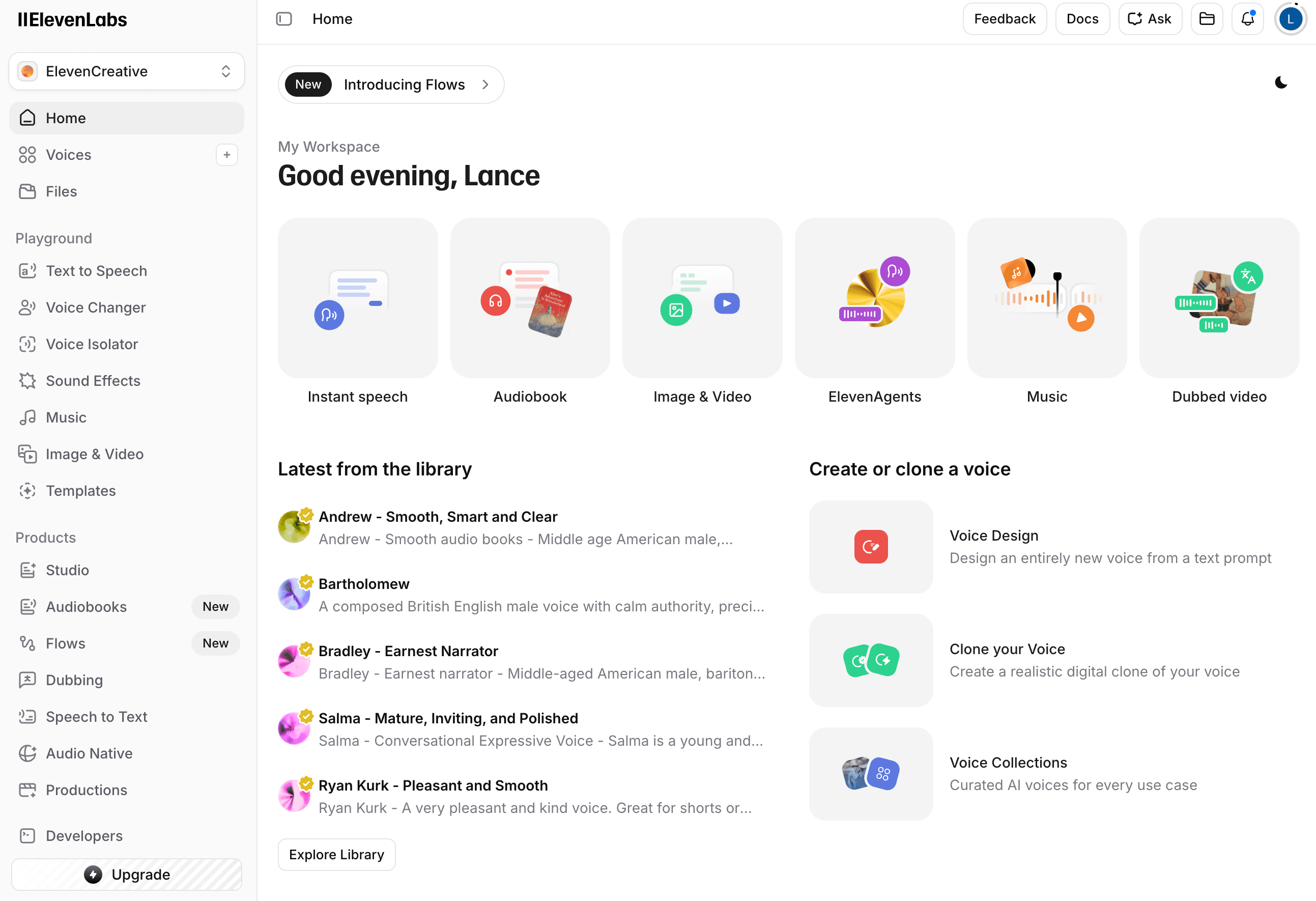
DESIGN.md gives Codex a compact design handoff before implementation. It describes what should transfer from screenshots into code: layout posture, token usage, component behavior, responsive rules, and visual guardrails.
Use it when you want Codex to build from a defined visual system instead of guessing layout, spacing, and component treatment from a short prompt.
Codex design context
DESIGN.md from screenshots
# DESIGN.md

## Layout Principles

Shell signature: workspace with a sidebar main shell.

## Component Prompts

- Build the app shell with the extracted hierarchy.
- Create panels with soft tile containment, hairline borders, and radius from the theme ladder.
- Compose rows using shared anchors for titles, metadata, and actions.

## Definition of Done

- Uses semantic Tailwind roles before local values.
- Preserves the extracted density and primary/supporting region balance.
How to use DESIGN.md with Codex
DESIGN.md works as a compact contract between the reference screenshots and Codex’s implementation pass.
Generate DESIGN.md and theme.css from reference screenshots.
Give Codex the artifact before asking it to build or refine UI.
Ask Codex to verify the implementation against the DESIGN.md definition of done.
Give Codex implementation-ready design context
Codex can make better UI decisions when the task includes the design system behind the screenshots. DESIGN.md makes those decisions explicit before the first line of frontend code changes.
Related DESIGN.md guides
DESIGN.md FAQ
How do I use DESIGN.md with Codex?
Give Codex the DESIGN.md file as project context or reference it in the task prompt. Ask Codex to treat the file as the design source of truth for frontend implementation.
Why does Codex need design context?
Codex benefits from explicit design constraints because frontend work is not only about code correctness. DESIGN.md clarifies spacing, hierarchy, surfaces, and component treatment.
Can I reuse DESIGN.md across Codex sessions?
Yes. A generated DESIGN.md can be reused across Codex sessions so related screens keep the same visual language and implementation rules.
Should Codex use theme.css or DESIGN.md?
Use theme.css for token values and DESIGN.md for how those values should behave in layout, components, interaction states, and responsive screens.
Generate a DESIGN.md from your screenshots
Start with a free extraction, download the artifact, and use it as design context in your preferred coding agent.