What is DESIGN.md?
DESIGN.md is a markdown design handoff for AI coding agents. It explains the visual system behind screenshots: theme, typography, components, spacing, layout transfer rules, and definition-of-done checks.
Instead of asking an agent to infer style from a vague prompt, DESIGN.md gives it a concrete source of truth for frontend decisions.
DESIGN.md example
DESIGN.md from screenshots
# DESIGN.md

## Visual Theme & Atmosphere

Dominant interface mood cues: airy, calm, editorial, minimal, restrained, soft.

## Typography Rules

Use the extracted type rhythm around 12px, 14px, 16px, 18px, 20px, 24px.

## Component Stylings

- Buttons: use compact padding and reserve primary for the main action.
- Cards and panels: vary containment strength by role.
- Lists and rows: align avatars, titles, metadata, and actions to shared edges.
How DESIGN.md works
The file should turn visual taste into implementation constraints. Good DESIGN.md content is specific, reusable, and written in language a coding agent can follow.
Start with reference screenshots or an existing product surface.
Extract the visual system into theme, layout, component, and responsive rules.
Give DESIGN.md to your coding agent before it starts implementing UI.
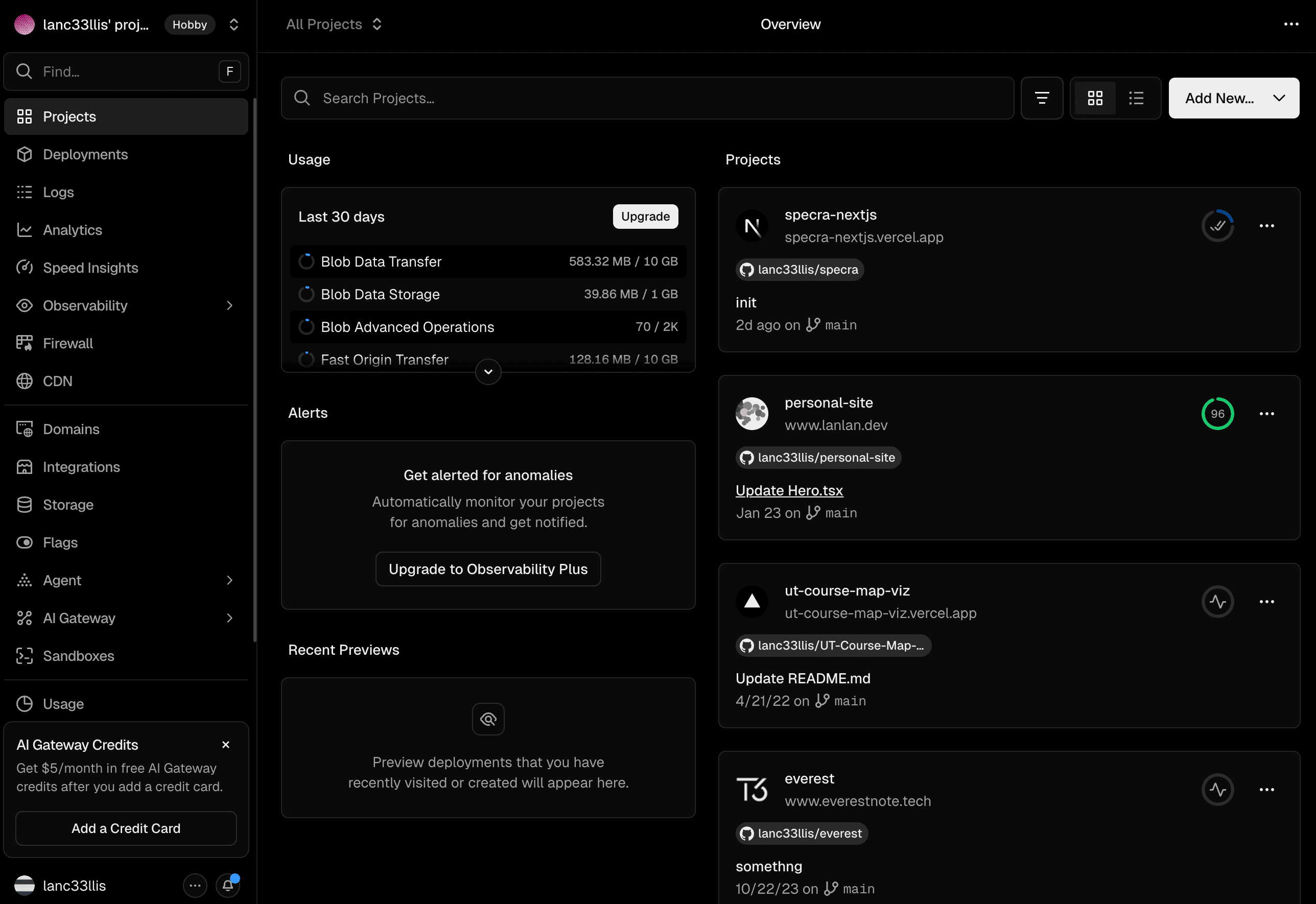
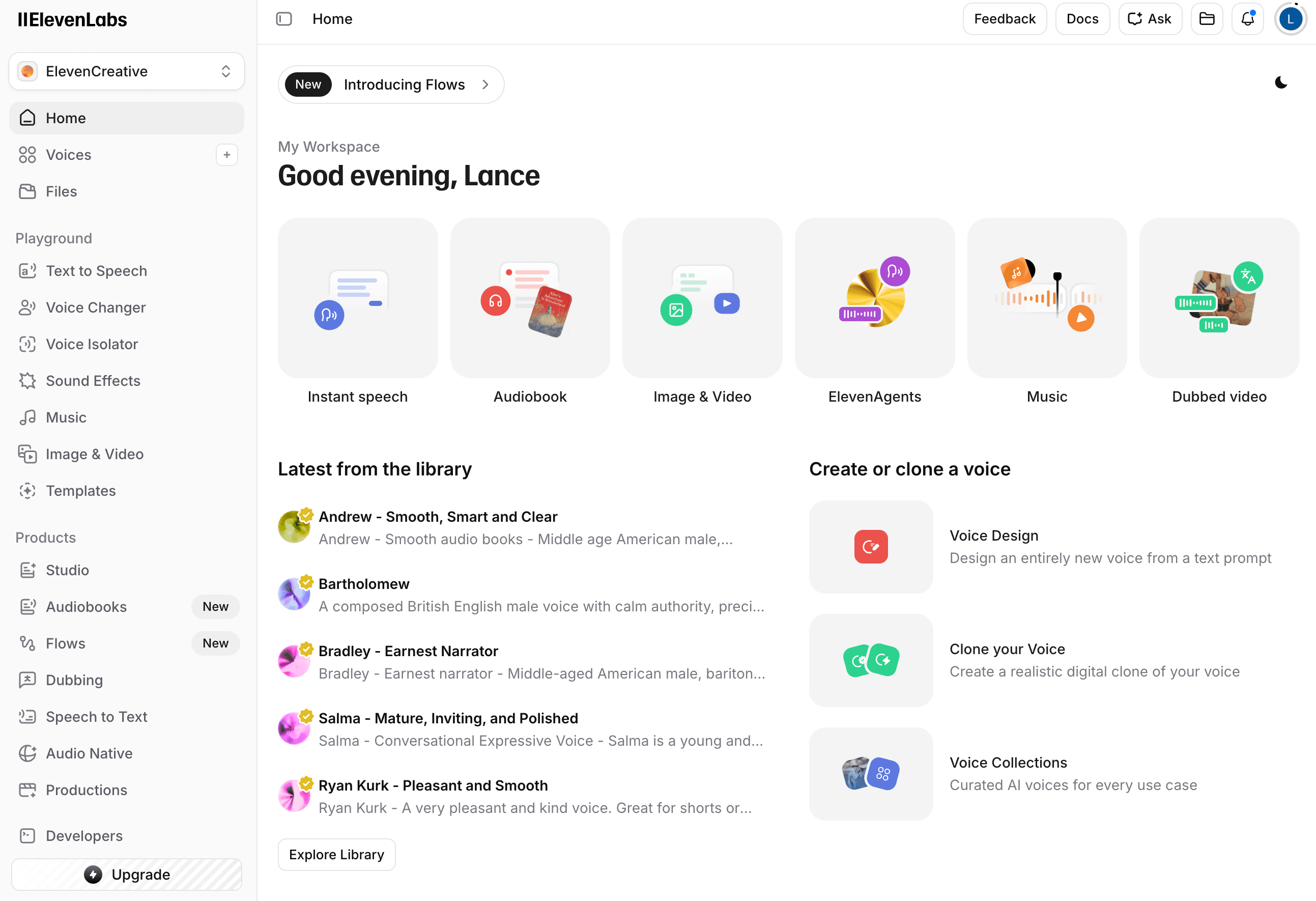
A design handoff your agent can actually use
DESIGN.md works best when it is specific enough for an agent to act on: it should describe surface hierarchy, density, component treatment, layout posture, and what should not transfer from the source screenshots.
Related DESIGN.md guides
DESIGN.md FAQ
What should DESIGN.md include?
A useful DESIGN.md includes visual theme, color role guidance, typography rhythm, component recipes, layout principles, depth and elevation rules, responsive behavior, and a concise agent prompt guide.
How is DESIGN.md different from a normal design doc?
Regular design docs are often written for humans. DESIGN.md is optimized for coding agents, so it describes exactly what should transfer into generated UI and what should not.
Can I create DESIGN.md manually?
Yes. You can write one manually, but generating DESIGN.md from screenshots is faster when you want the file to capture an existing visual system.
When should I give DESIGN.md to an agent?
Use DESIGN.md when asking an agent to build or refine UI. Put it in project context, reference it in the prompt, and ask the agent to preserve the extracted system.
Generate a DESIGN.md from your screenshots
Start with a free extraction, download the artifact, and use it as design context in your preferred coding agent.