Generate DESIGN.md from screenshots
Upload UI screenshots and generate a structured DESIGN.md your AI coding agent can use to match layout, spacing, typography, components, and visual hierarchy.
Built for Claude Code, Codex, Cursor, and other agent workflows where vague prompts are not enough to keep frontend output visually consistent.
Real generated artifact
DESIGN.md from screenshots
# DESIGN.md

Last updated: 2026-05-01

## 1. Visual Theme & Atmosphere

Dominant interface mood cues: airy, calm, editorial, minimal, restrained, soft. The system should feel comfortable and product-minded.

### Key Characteristics

- comfortable density with spacing decisions that support the primary workflow before decoration.
- Surface model: Favor calm surfaces with minimal elevation.
- Chrome character: Keep chrome structured and calm.
- First-glance hierarchy: primary task hero (embedded) with announcement chip and dominant greeting.
- Accent discipline: Accent should be sparse and purposeful.

## 2. Color Palette & Roles

Do not copy raw extracted color values into component code. theme.css owns the actual values; DESIGN.md describes how to use the roles.
From reference screenshots to agent-ready design context
Specra turns visual references into practical implementation guidance: not just colors, but component recipes, layout transfer rules, responsive behavior, and definition-of-done checks.
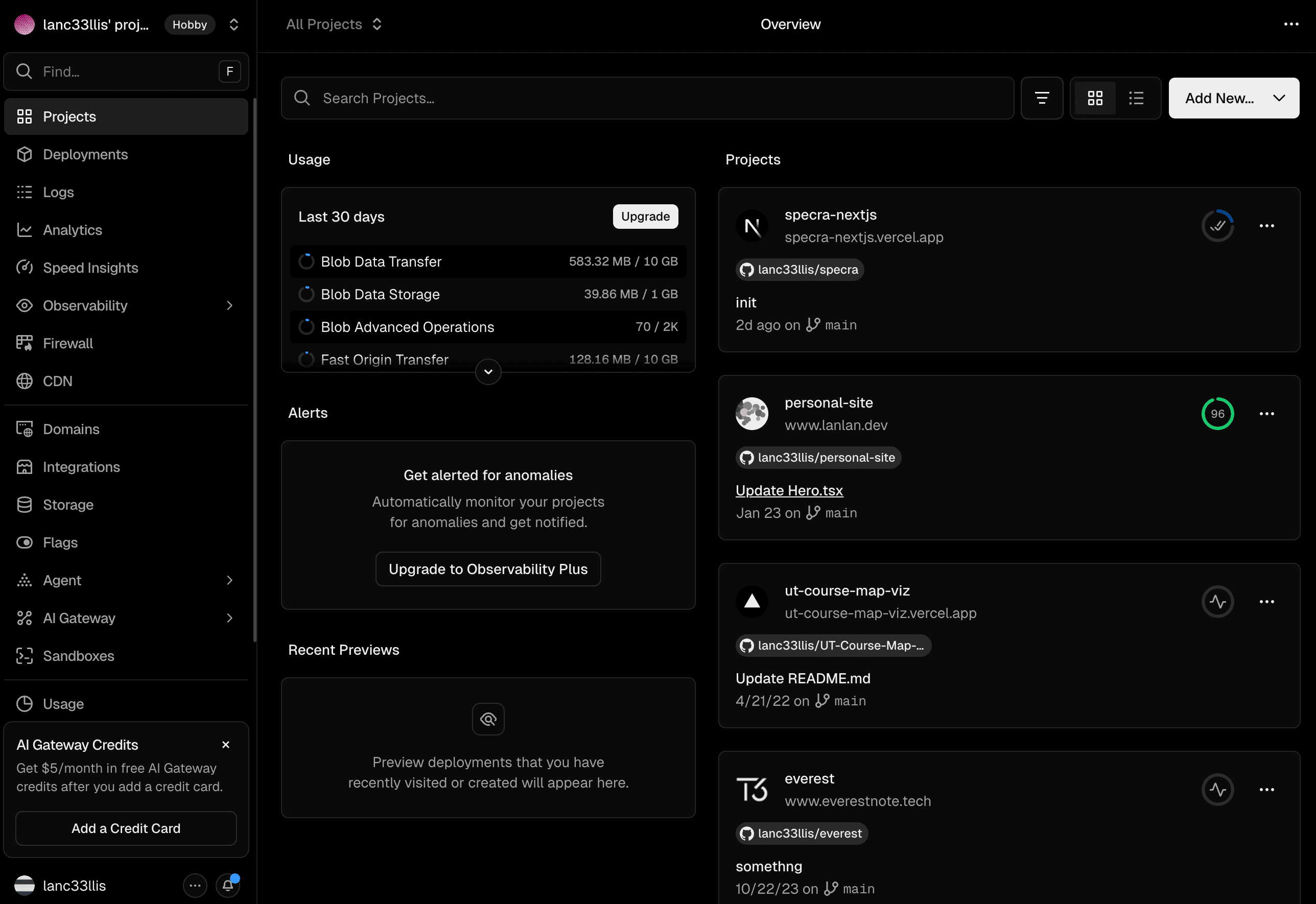
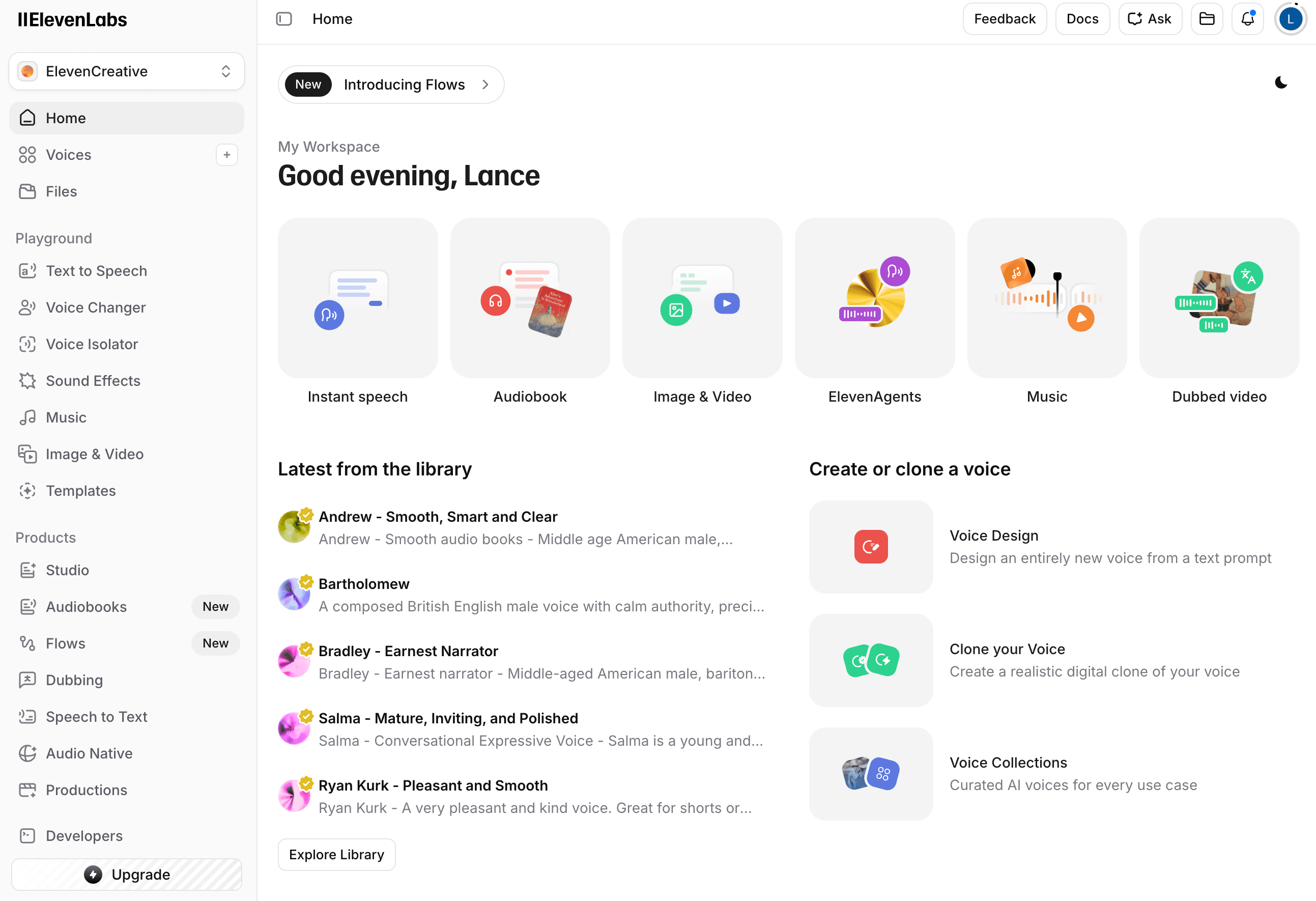
Upload reference screenshots from the interface style you want to preserve.
Specra extracts layout, spacing, typography, component recipes, and token usage.
Download DESIGN.md and give it to Claude Code, Codex, Cursor, or another coding agent.
Why DESIGN.md improves AI-generated UI
Coding agents can build faster when they have explicit design context. DESIGN.md tells the agent what should transfer from the references: shell hierarchy, density, surface model, typography posture, component treatment, and accent discipline.
DESIGN.md FAQ
What is DESIGN.md?
DESIGN.md is a markdown design handoff that describes visual theme, layout rules, component styling, typography, spacing, responsive behavior, and agent instructions for building UI.
Can I generate DESIGN.md for free?
Yes. Specra starts free and can generate DESIGN.md from screenshots so you can test design context before committing to a larger workflow.
How do I use DESIGN.md with Claude Code or Codex?
Upload screenshots, generate the artifact, then add the downloaded DESIGN.md to your project context or paste it into the agent session before asking the agent to build UI.
What is the difference between DESIGN.md and theme.css?
theme.css owns semantic token values. DESIGN.md explains how to use those roles: hierarchy, density, component behavior, accent discipline, and layout transfer rules.
Start with a free DESIGN.md
Generate design context from your first screenshots, then use the artifact with your preferred coding agent.