
DESIGN.md for Claude Code
DESIGN.md gives Claude Code the design context it needs before writing frontend code: shell hierarchy, spacing rhythm, component recipes, typography posture, and rules for avoiding generic AI-generated UI.
Use it when Claude Code needs to build UI that matches a real product direction instead of defaulting to generic dashboard patterns.
Claude Code design context
DESIGN.md from screenshots
# DESIGN.md

## Agent Prompt Guide

- Use theme.css tokens before local colors.
- Layout posture: sidebar main shell.
- Density: comfortable.
- Accent rule: reserve primary for main actions, active states, and small status signals.

## Definition of Done

- The implementation preserves the extracted shell hierarchy.
- Buttons, panels, rows, navigation, inputs, and badges follow the component recipes.
- The screen avoids generic metric-card filler unless the task requires it.
How to use DESIGN.md with Claude Code
The workflow is simple: extract design context first, then let Claude Code build with concrete visual rules instead of improvising from a one-line prompt.
Generate DESIGN.md from reference screenshots in Specra.
Add the file to Claude Code context or explicitly reference it in your prompt.
Ask Claude Code to implement the screen while preserving the DESIGN.md hierarchy, density, and component recipes.
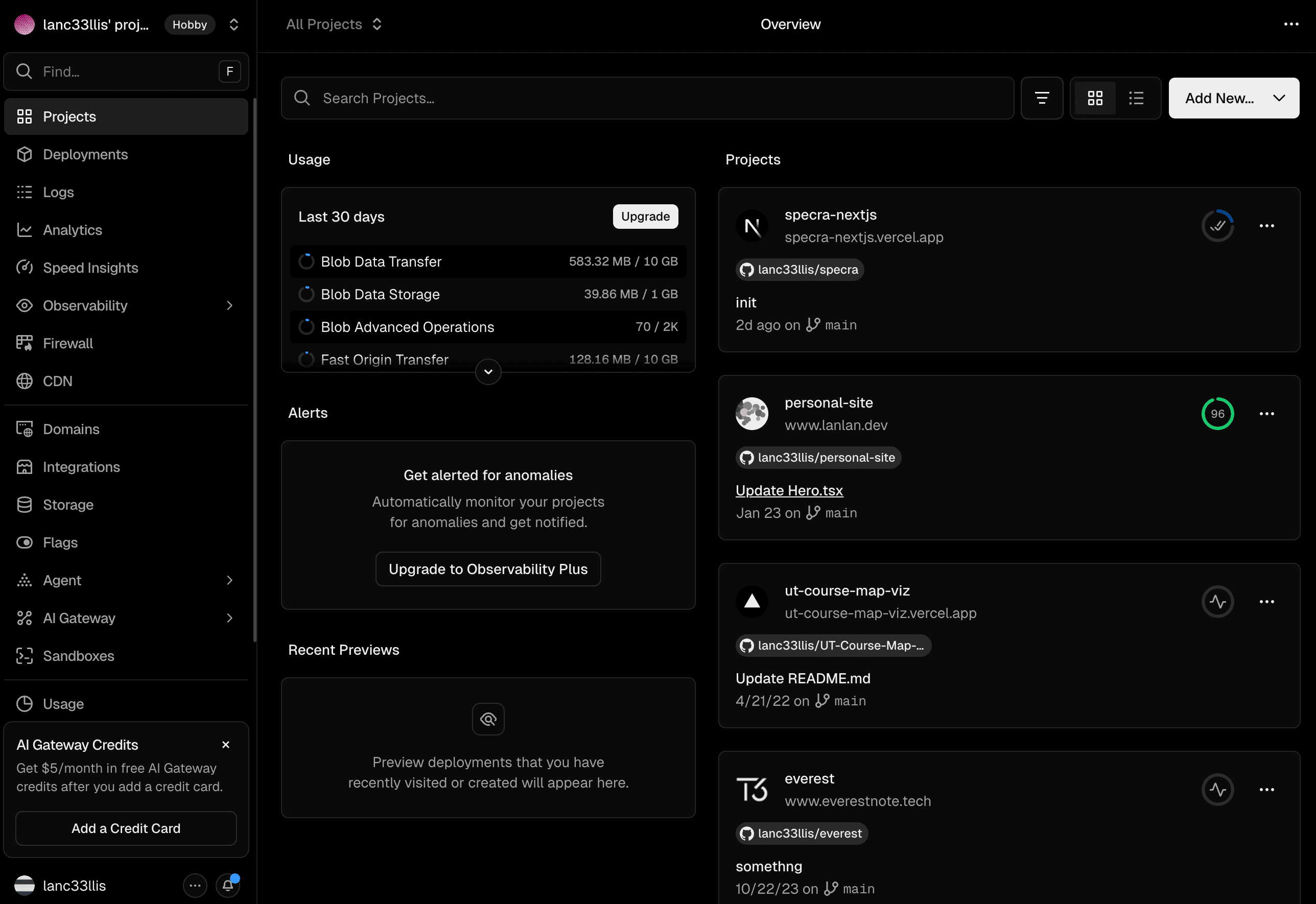
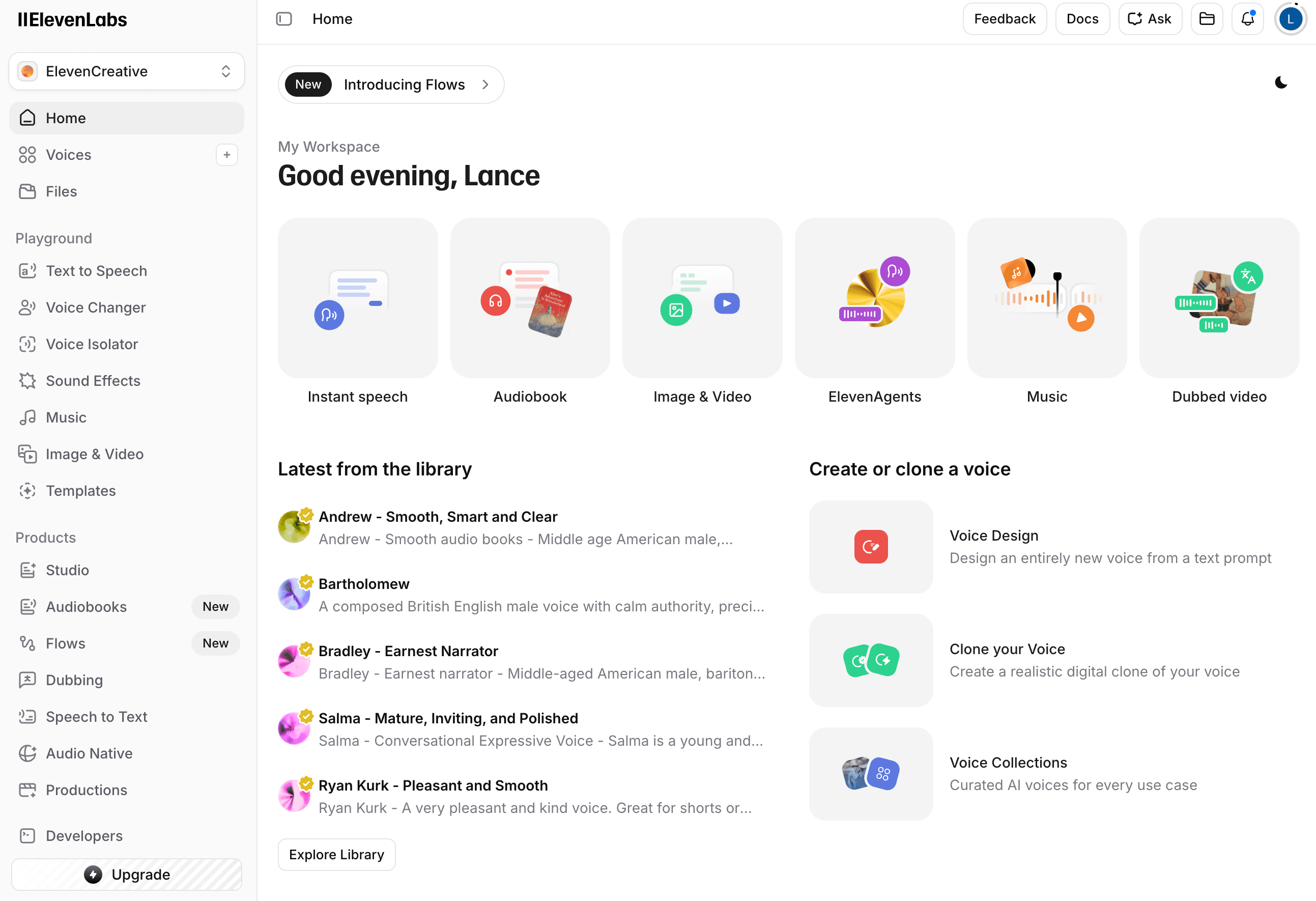
Give Claude Code a design source of truth
Claude Code can write frontend code quickly, but DESIGN.md helps it stay aligned to a visual system. The file gives the agent a stable target while it builds, evaluates, and revises UI.
Related DESIGN.md guides
DESIGN.md FAQ
How do I use DESIGN.md with Claude Code?
Add DESIGN.md to the project context or reference it directly in your Claude Code prompt before asking for UI work. Ask Claude Code to follow the file as the design source of truth.
Why not just give Claude Code screenshots?
Screenshots are useful, but Claude Code still benefits from explicit written rules. DESIGN.md turns screenshot observations into reusable implementation guidance.
When should I give Claude Code a DESIGN.md?
Use DESIGN.md when building new screens, refactoring frontend UI, matching a reference product, or keeping multi-session UI work visually consistent.
Can Specra generate Claude Code design context?
Yes. Specra can generate DESIGN.md from screenshots, then Claude Code can use the file while implementing, reviewing, or refining UI.
Generate a DESIGN.md from your screenshots
Start with a free extraction, download the artifact, and use it as design context in your preferred coding agent.